
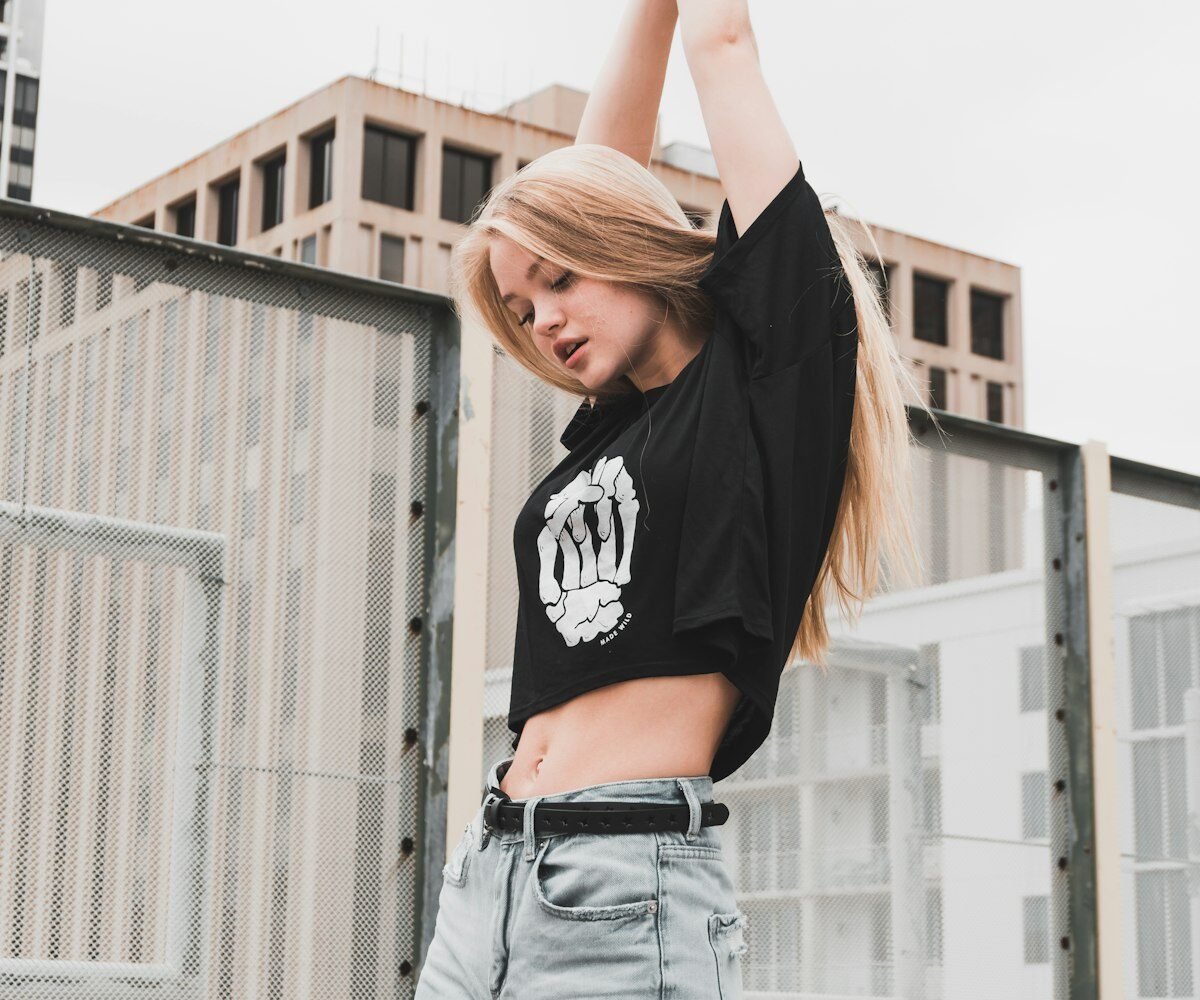
Print on demand (POD) is the simplest physical product business in existence. You upload a design to a platform like Redbubble, Merch by Amazon, or Printify. When someone orders, the platform prints and ships the product. You earn a royalty. No upfront cost, no inventory risk, no fulfilment work. AI makes the design creation faster than ever — and you do not need to be an artist.
How Print on Demand Works
- Create a design (using Canva, MidJourney, or Adobe Express)
- Upload to a POD platform (Redbubble, TeePublic, Printify, Merch by Amazon)
- Customer finds and buys your product
- Platform prints and ships it directly to them
- You earn a royalty ($2–$15 per product depending on platform and price)
Step 1 — Find a Profitable Niche for Designs
Prompt:
"I want to start a print-on-demand business.
Help me find profitable niches for T-shirt and product designs.

Evaluate these criteria and suggest 10 niche ideas:
1. Passionate communities that wear their identity (sports fans, pet owners, nurses, etc.)
2. Niches where people already buy branded merchandise
3. Niches with gift-giving occasions (birthdays, holidays, graduations)
4. Niches that are under-represented with good designs

For each niche:
1. Niche name and target customer
2. Example design concepts (3 ideas per niche)
3. Best product type (T-shirt / mug / tote / phone case / poster)
4. Why this niche buys merch
5. Price range customers will pay"
Step 2 — Create Designs with AI
Prompt for MidJourney (AI image generation):
"/imagine prompt: [describe your design concept], vector art style,
clean design, white background, suitable for t-shirt print,
high contrast, simple shapes, [colour palette], no text --ar 1:1"

Prompt for text-based designs (Canva works great):
"Create 10 quote or text design concepts for [your niche — e.g., 'nurses' / 'dog owners' / 'gym lovers'].

Each design concept should include:
1. The exact text/quote to use
2. Design style (bold / minimal / vintage / hand-lettered)
3. Font personality (serif / script / sans-serif / display)
4. Colour palette suggestion (2–3 colours max for printing)
5. Optional graphic element to include

Make the text funny, relatable, or pride-inducing for the target customer.
These will appear on T-shirts and mugs."
Step 3 — Set Up on Multiple Platforms
More platforms = more exposure. Set up on all three for maximum reach:
- Redbubble — large organic search traffic, easy to start, good for art-style designs
- Merch by Amazon — massive marketplace, requires approval/waitlist, higher royalties
- TeePublic — strong community, good for pop culture and niche designs
- Printify + Etsy — you control pricing and branding; sell through your own Etsy shop
Prompt — product listing:
"Write a product listing for my print-on-demand design.
Design: [describe your design — e.g., 'a T-shirt with the text "Nurses Run on Coffee and Caffeine" in bold vintage typography']
Platform: [Redbubble / TeePublic / Etsy]
Target buyer: [who would buy this]

Write:
1. Product title (include keywords buyers search for)
2. Product description (150 words — describe the design, who it is for,
   why they will love it, gifting use case)
3. 15 tags (keywords buyers use to search for this product type)"
Step 4 — Create a Consistent Upload Schedule
Prompt:
"I am building a print-on-demand shop in the [your niche] space.
I want to upload 30 designs in the next 30 days.

Create a 30-day design upload plan with:
1. A different design concept for each of the 30 days
2. For each concept: the text/idea, which product it works best on,
   and the specific customer who would buy it
3. Which 5 designs to prioritise for promotion on social media
4. A seasonal/occasion calendar — which designs should be uploaded first
   based on upcoming holidays or events in the next 90 days"
Step 5 — Drive Traffic with Pinterest and TikTok
Prompt — Pinterest strategy:
"I sell print-on-demand products in the [niche] space.
Write a Pinterest marketing strategy:

1. How to set up my Pinterest profile for maximum discoverability
2. What type of pins to create for my products (mockup images / lifestyle / text pins)
3. 10 Pinterest board ideas for my shop
4. A pinning schedule (how many pins per day, when to post)
5. Write 5 Pinterest pin descriptions with keywords for my [specific product]

Also write a TikTok video concept:
'Show 3 design reveals for [niche] products — describe what to show on screen
and what to say as voiceover. Goal: drive TikTok viewers to my Etsy/Redbubble shop.'"
Realistic Earnings Timeline
Most POD income is slow at first, then accelerates:
- 50 designs: ₹1,000–₹5,000/month
- 200 designs: ₹5,000–₹20,000/month
- 500+ designs: ₹20,000–₹1,00,000+/month
- The more designs you upload, the more chances for any design to go viral or get regular search traffic
Key Takeaway: POD is a volume game — more high-quality designs means more passive income. Set up your systems once (account, templates, upload process), then focus on creating and uploading as many well-researched designs as possible.




Be the first to respond