
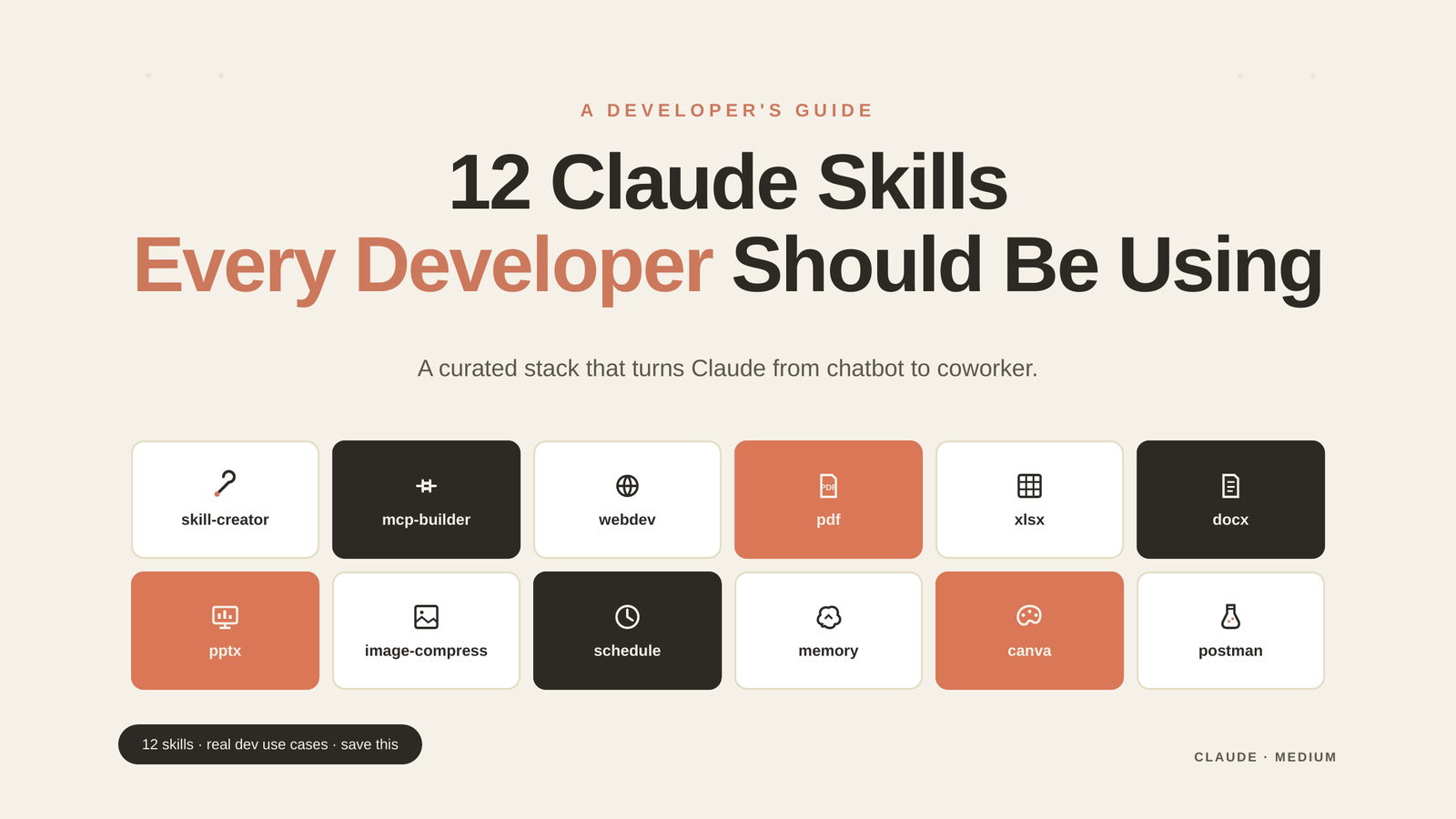
A curated, dev-first list of the Skills that turn Claude from a clever chatbot into an actual coworker — with real use cases, not marketing fluff.
What Even Is a “Claude Skill”?
Quick primer in case you’re new: a Claude Skill is a bundle of instructions, scripts, and references that Claude loads on demand when a task matches it. Think of them like npm packages for AI behavior. Instead of re-explaining “how we write API specs” or “how to format a release email” every session, you point Claude at a skill and it just knows.
Skills are composable, shareable, and absurdly powerful once you have a handful you trust. The ones below are my personal dev-focused stack. I use most of them weekly — a few daily.
1. skill-creator 🛠️
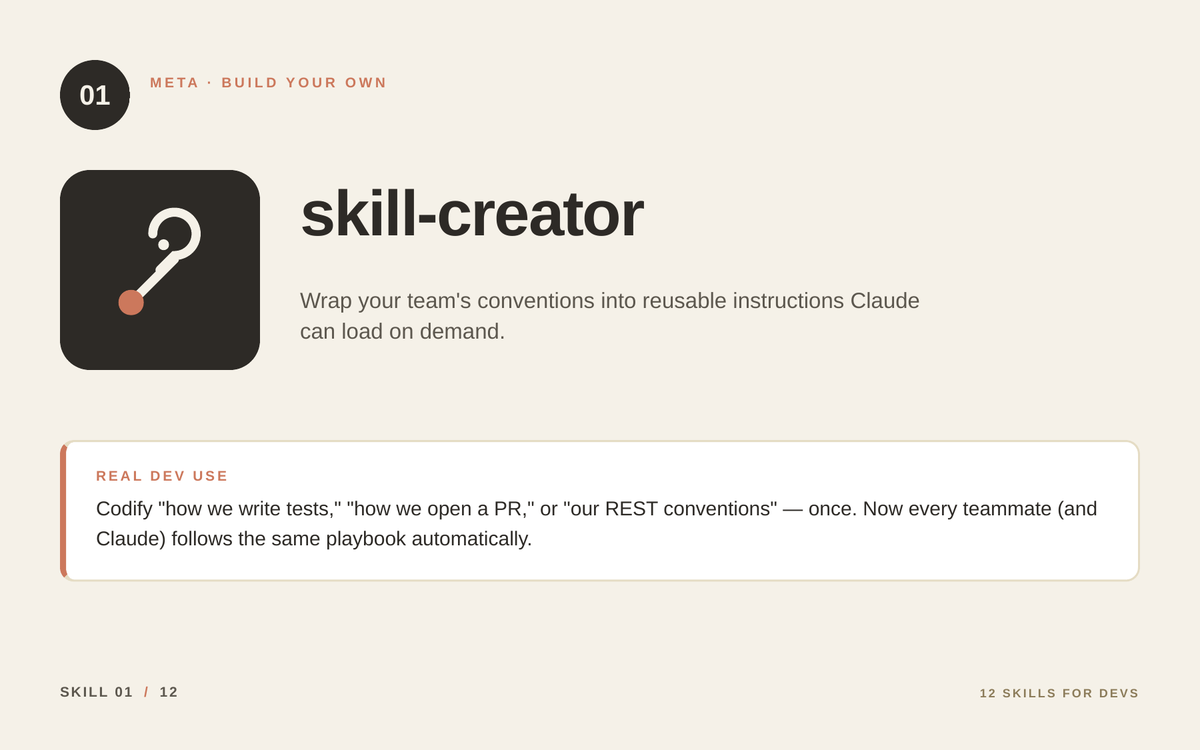
What it does: Builds new Claude Skills from scratch. It’s the meta-skill — the one that creates more skills.
Real dev use:
Encode your team’s conventions into a reusable skill. The “how we open a PR” doc that nobody reads? Turn it into a skill. Now every Claude session in your org enforces the same checklist — branch naming, test coverage, commit message format — without anyone needing to memorize it.
Once you write your first custom skill, you’ll never go back. It’s the closest thing to cloning the senior engineer on your team and giving everyone a copy.
2. mcp-builder 🔌
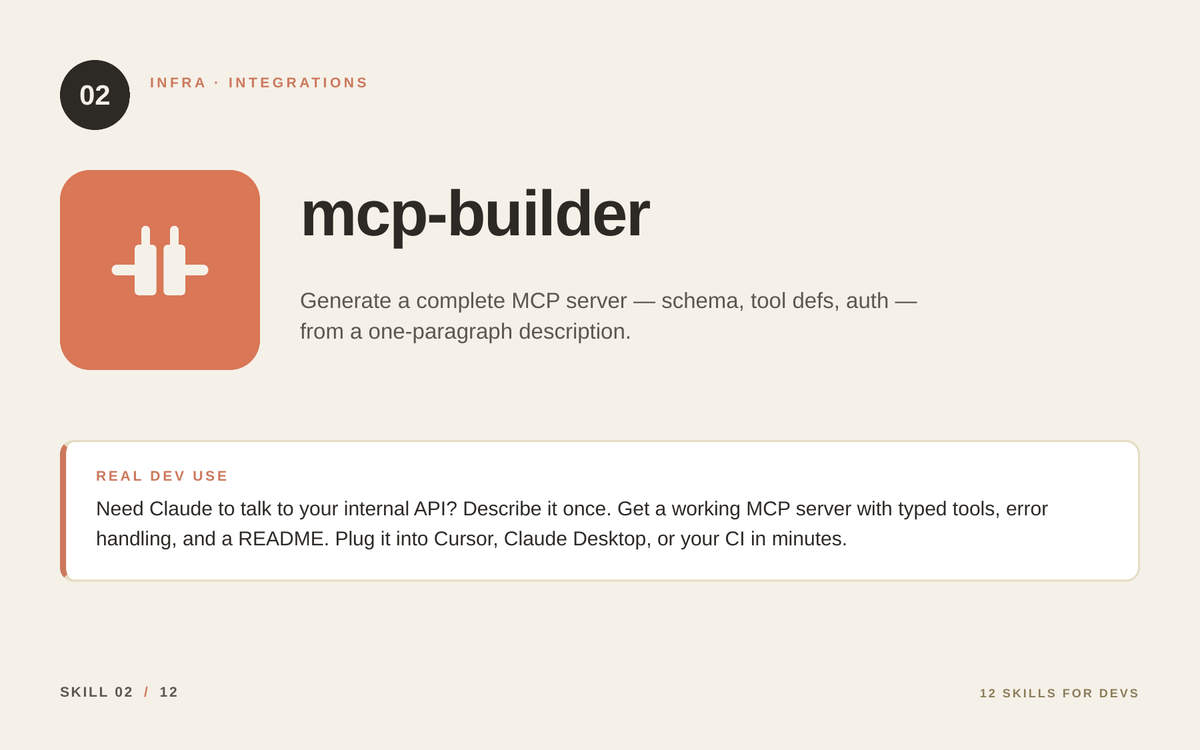
What it does: Generates a complete MCP (Model Context Protocol) server from a one-paragraph description — schema, tool definitions, auth, error handling.
Real dev use:
You want Claude to talk to your internal billing API. Without mcp-builder, you’d spend two hours writing tool schemas. With it: paste your OpenAPI spec, describe the auth model, get a working server. Plug it into Claude Desktop, Cursor, or your CI pipeline and Claude can now query, mutate, and analyze your stack natively.
This is the skill that takes you from “AI is a toy” to “AI is wired into our infrastructure.”
3. webdev 🌐
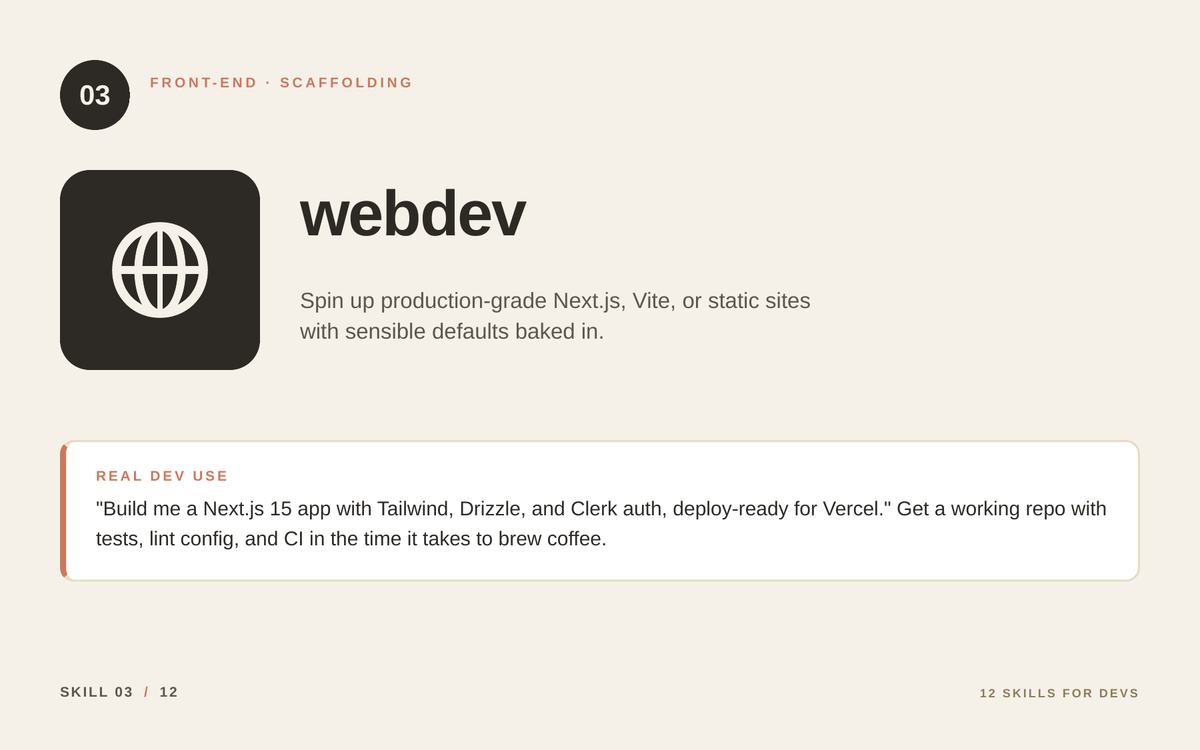
What it does: Bootstraps production-ready web projects with sensible defaults — framework, styling, auth, deployment config.
Real dev use:
“Build me a Next.js 15 app with Tailwind, Drizzle ORM, Clerk auth, and a Vercel-ready deploy config.” You get a working repo with tests, lint rules, GitHub Actions CI, and a README — in the time it takes to brew coffee. Perfect for spinning up internal tools, hackathon prototypes, or that side project you keep starting and abandoning.
4. pdf 🧾
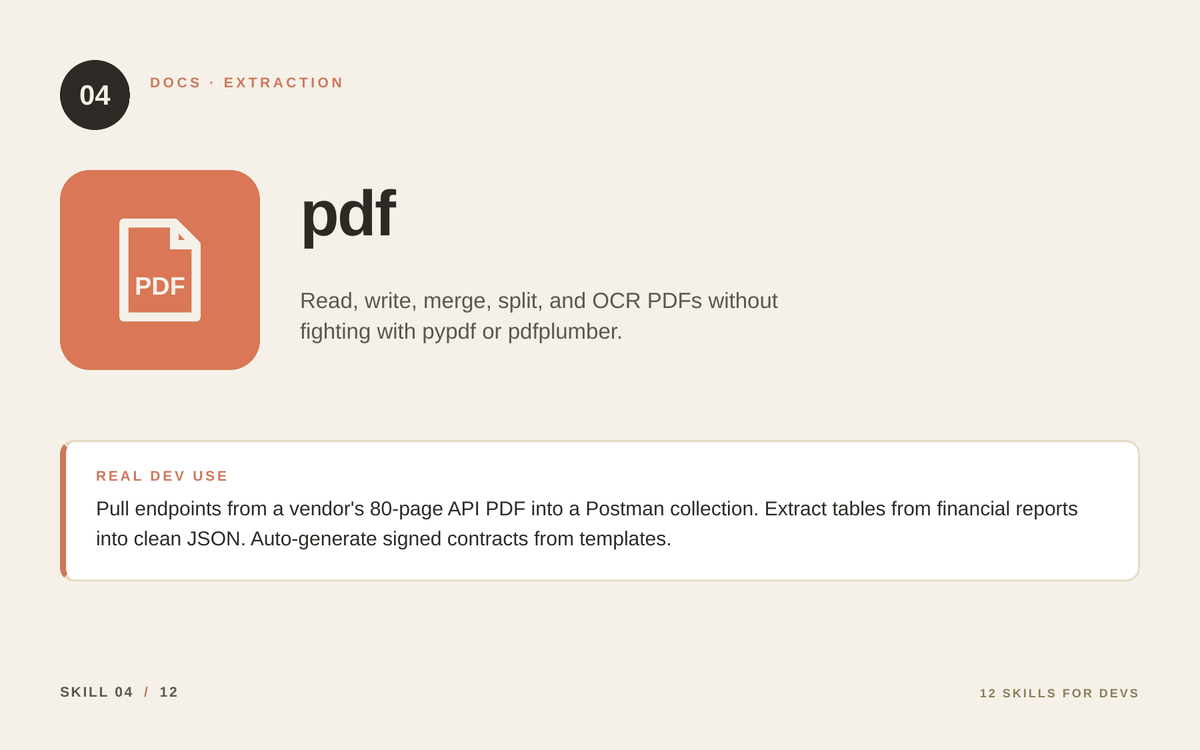
What it does: Reads, writes, merges, splits, and OCRs PDFs without you ever having to remember whether to use pypdf or pdfplumber this time.
Real dev use:
Your vendor’s API documentation only exists as an 80-page PDF. Feed it to Claude with this skill: out comes a structured list of endpoints, ready to paste into a Postman collection. Other wins: extracting tables from financial reports into clean JSON, generating signed contracts from templates, OCR-ing scanned legacy docs into searchable text.
5. xlsx 📊
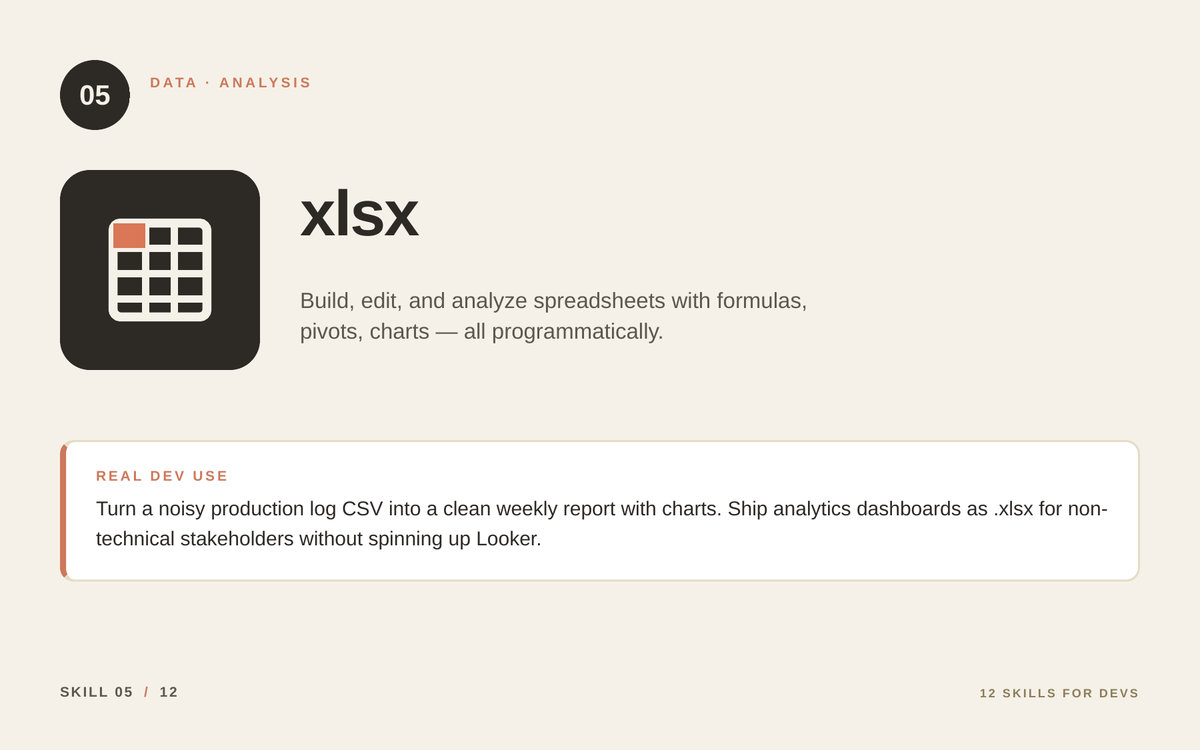
What it does: Builds, edits, and analyzes spreadsheets programmatically — with real formulas, pivot tables, charts, and formatting.
Real dev use:
That noisy production log CSV your PM keeps asking about? Pipe it through xlsx, get a clean weekly report with charts and conditional formatting. Ship analytics dashboards as .xlsx files for non-technical stakeholders instead of spinning up yet another BI tool nobody logs into.
Bonus: you can have Claude iterate on the same spreadsheet across sessions — adding columns, fixing formulas, restructuring — without breaking it.
6. docx 📝
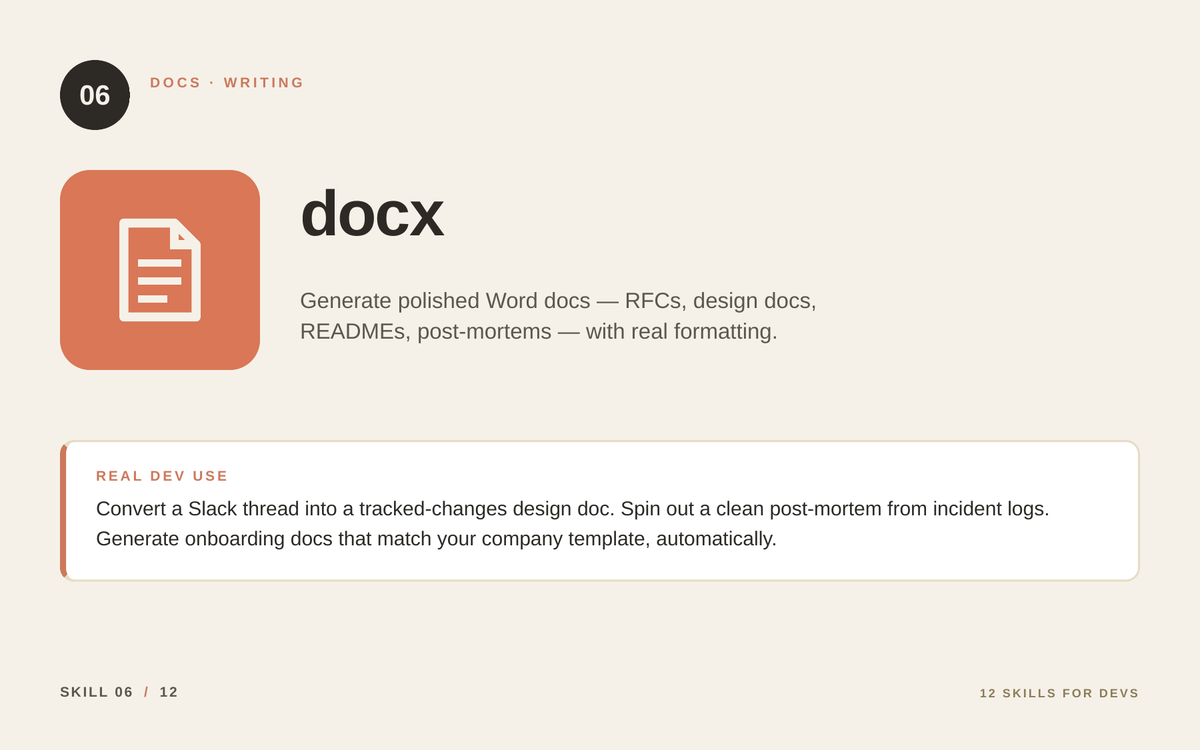
What it does: Generates polished Word documents with real formatting — headings, page numbers, tables of contents, tracked changes, even letterheads.
Real dev use:
Turn a chaotic Slack thread into a clean RFC. Convert raw incident timeline into a formatted post-mortem. Auto-generate onboarding docs that match your company template. The output looks like a human wrote it in Word, not like AI dumped markdown into a .doc extension.
If your company still runs on Word (and most enterprise teams do), this skill is gold.
7. pptx 🎤
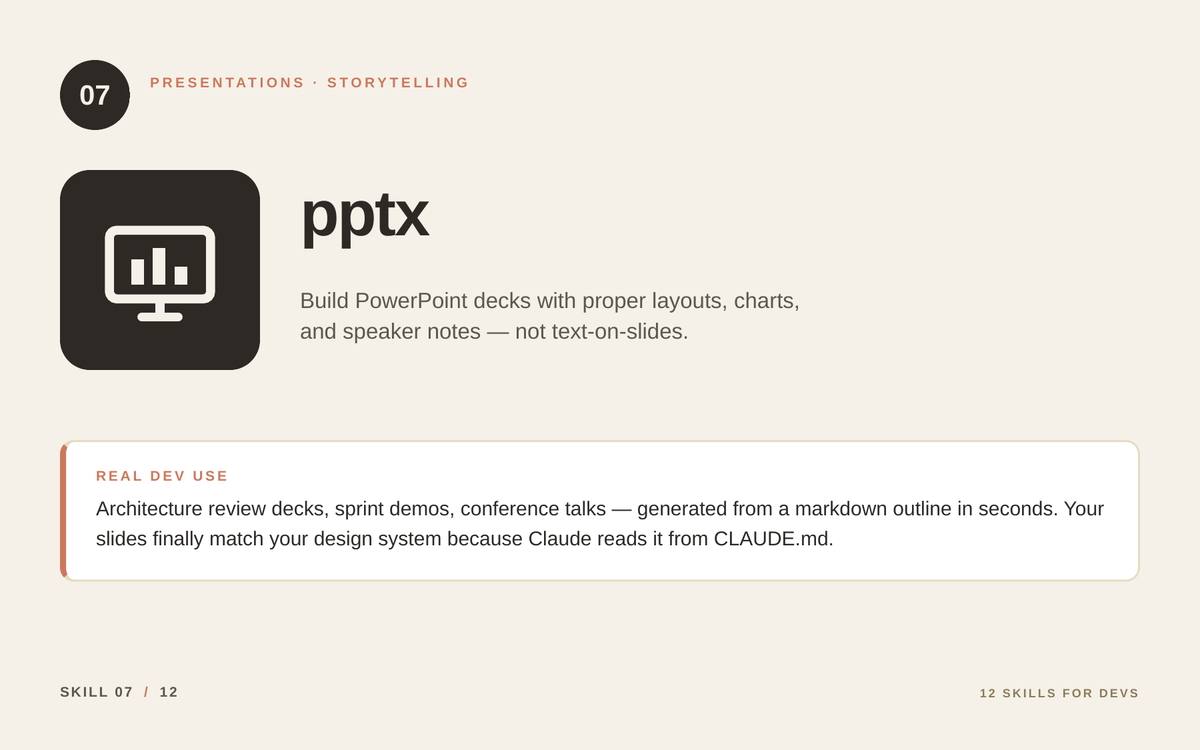
What it does: Builds PowerPoint decks with proper layouts, charts, images, and speaker notes — not text dumped onto slides.
Real dev use:
Architecture review on Friday? Hand Claude a markdown outline, get back a 12-slide deck with diagrams, data tables, and notes for each slide. Sprint demos, conference talks, board updates — all generated in seconds and stylistically consistent with your team’s template.
This is the skill that finally makes “tech people who hate slides” stop hating slides.
8. image-compress 🖼️
What it does: Resizes and compresses images to ~25% of their original size before they hit a vision-enabled AI.
Real dev use:
You’re triaging 40 bug-report screenshots. Without this skill, you’re sending 40 high-res PNGs to Claude — slow, expensive, and often over the per-message limit. Run them through image-compress first and you get the same understanding at a fraction of the token cost.
A small skill, but the cost savings stack up fast in any vision-heavy workflow.
9. schedule ⏰
What it does: Runs Claude tasks on a schedule — daily, weekly, hourly, or one-shot at a future time.
Real dev use:
- “Every morning at 8am, summarize last night’s failed CI runs and post to #engineering.”
- “Every Friday at 5pm, generate the weekly metrics digest from our analytics DB.”
- “In 30 minutes, remind me to deploy the migration.”
Effective on-call digests, dependency-update sweeps, automated standups — without writing a single cron line or wiring up a workflow engine.
10. memory 🧠
What it does: Persists preferences, project facts, and team conventions across every Claude session you ever start.
Real dev use:
Stop re-explaining your stack. Stop saying “we use pnpm not npm” forty times a week. Stop telling Claude that your error format is { code, message, details }. With memory enabled, Claude remembers — across sessions, across days, across projects you’ve toggled between.
This is the difference between “AI assistant” and “long-term coworker.”
11. canva 🎨
What it does: Generates on-brand visuals, social posts, blog covers, and graphics directly from a prompt — using your Canva account and brand kit.
Real dev use:
You ship a new feature. You need: a blog cover, a Twitter card, a Slack announcement graphic, and maybe a slide for the demo. Normally that’s an hour of Canva fiddling. With this skill, you describe what you want once, and Claude generates a consistent set.
Especially clutch for devtool startups and indie hackers who can’t afford a designer for every release.
12. postman 🧪
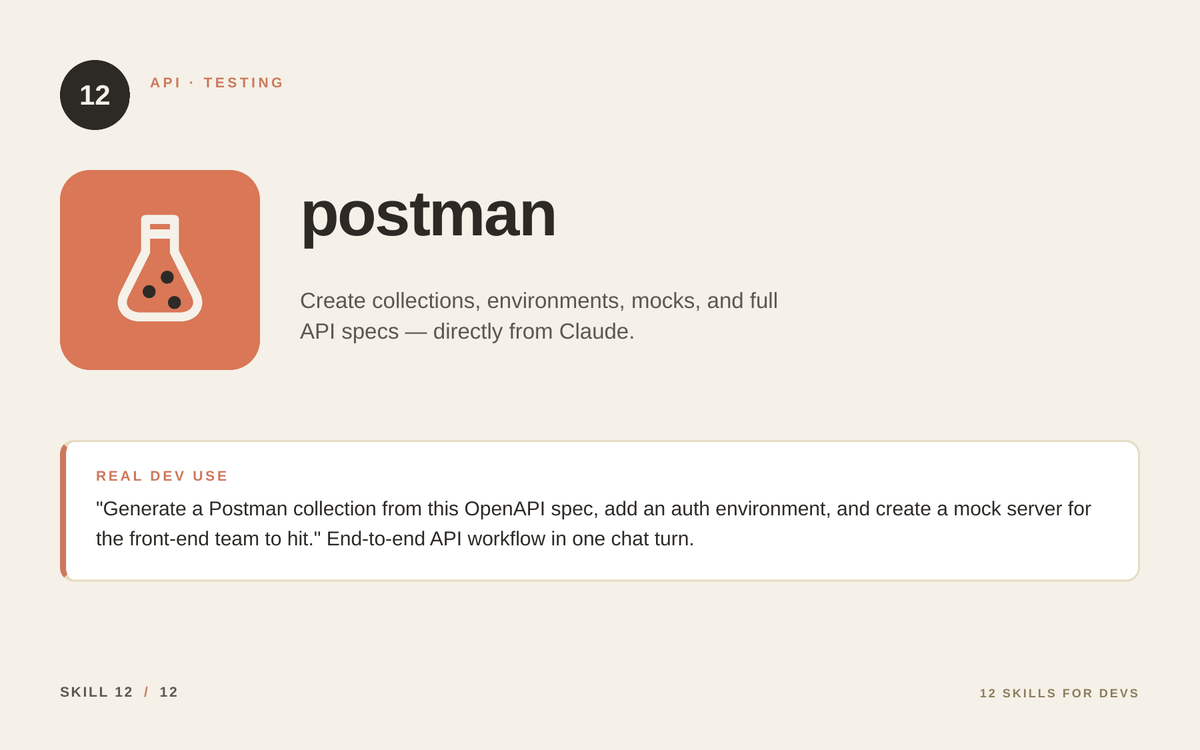
What it does: Creates Postman collections, environments, mocks, and full API specs — all from inside a Claude conversation.
Real dev use:
“Generate a Postman collection from this OpenAPI spec, add a staging environment with auth tokens, and spin up a mock server so the front-end team can start integrating before our backend is ready.” That’s one prompt. End-to-end API workflow handled.
Pair this with mcp-builder and pdf, and you have an API workflow that runs on rails: read the docs, build the server, generate the tests, mock the responses — all without leaving the chat.
How to Actually Install a Skill
Two quick paths depending on where you’re using Claude:
In Claude Code / Cowork:
Skills live in ~/.claude/skills/ (user-installed) or come bundled with plugins. Browse the registry, find the one you want, and run the install command. Most skills auto-trigger when relevant — you don’t have to remember to “use” them.
Custom skills (your own):
Use skill-creator (skill #1 on this list — it’s not just clever framing, it’s the actual recommended path). Describe what you want the skill to do, and Claude generates a SKILL.md file with the right structure, descriptions, and examples. You can start with a 10-line skill and grow it. Don’t overthink it.
The Honorable Mentions
A few that almost made the cut and might be more relevant depending on your stack:
- brand-guidelines — apply consistent visual identity across all generated assets
- financial-analysis — heavy data crunching for devtool revenue dashboards
- artifacts — turn one-off answers into live, persistent dashboards that re-query your tools
- figma — design-to-code workflows for front-end teams
The right Skill stack depends on your role. A backend engineer’s set will look different from a devtool founder’s set. The point is: curate yours intentionally.
The Big Idea
Skills are the moment Claude stops being a tool you visit and becomes infrastructure you build on. The shift is similar to going from “I write bash scripts when I need to” to “I have a Makefile, a CI pipeline, and a deploy bot.” Same task, completely different leverage.
You don’t need all 12 today. Pick 3. Install them. Use them for a week. You’ll know which ones are sticky for your workflow within days.



Be the first to respond